Grid Export
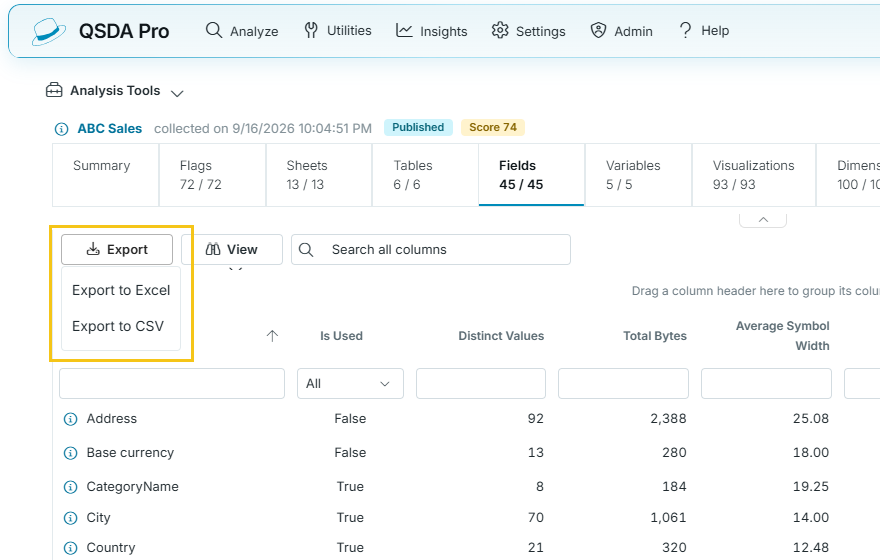
Each resource grid page provides an export menu for exporting grid contents in Excel or CSV format. The output reflects the current filtering and sort order.
View menu
The View menu on each resource grid's toolbar controls which columns are shown.
- Choose Columns opens the list of the grid's columns. Select or clear a column to show or hide it.
- Reset Columns restores the default columns and clears the grid's saved settings. It is available only when the visible columns differ from the default. A filled View icon indicates that custom columns are shown.
Column choices and sort order are saved in your browser for each grid and restored when you return to that grid, in any analysis. Column filters are not saved.