Overview
QSDA Pro collects properties from the selected application and saves the data as a Collection in the QSDA Repository. It then processes the collected data into an Analysis, assigning new attributes such as flags. An Analysis is available for viewing when the status is "Ready".
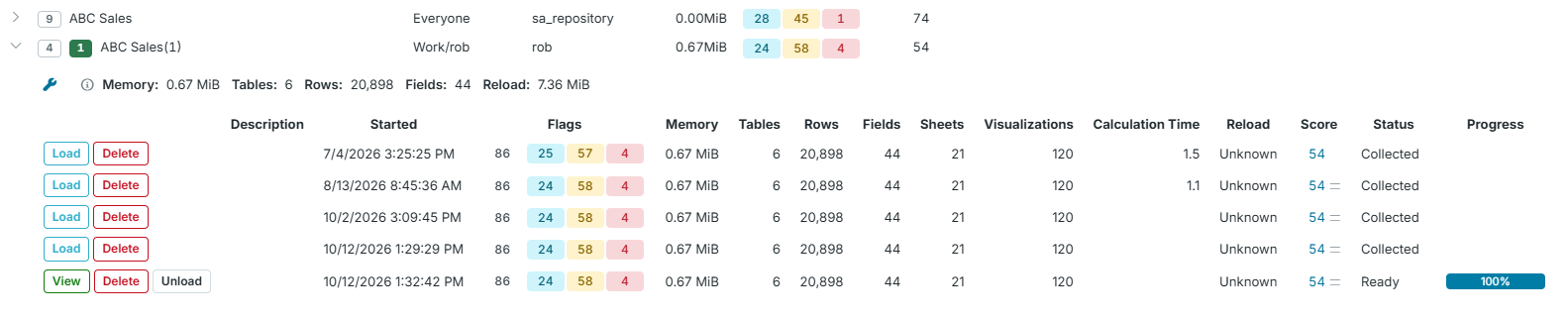
An Analysis remains in memory until one of the following occurs:
- The QSDA API service stops.
- You click the "Unload" button.
- The Service Parameters "Idle Hours Limit" is exceeded.
To return a Collection to memory as an Analysis, click the "Load" button.
Click the "View" button to explore an Analysis.