Reload Log Viewer
Navigate to the Script page and select the "Reload Log" tab.
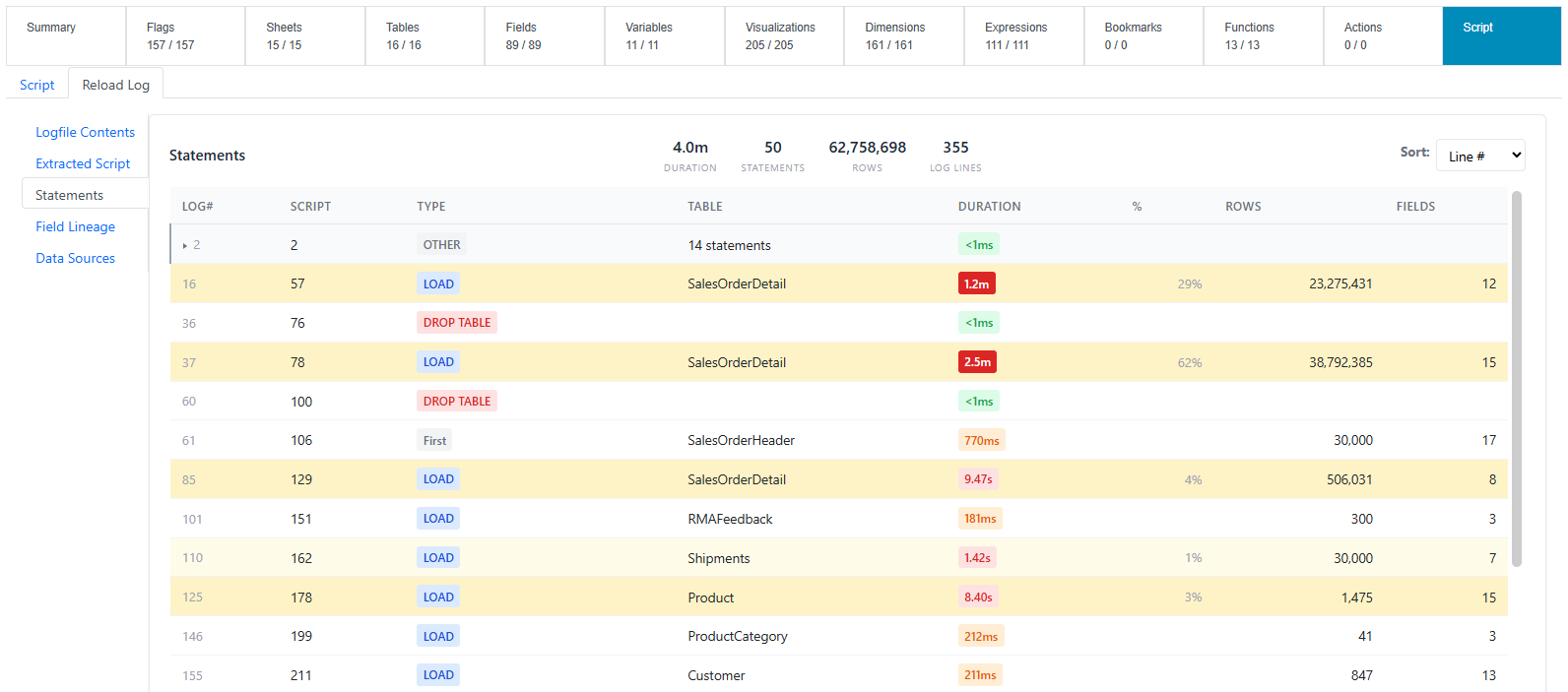
-
For Qlik Enterprise, Reload Logs are collected only for Apps that have been reloaded via a QMC Task
-
For Qlik SaaS, Reload Logs are collected only for Apps that have been reloaded on the tenant.
-
For Qlik Sense Desktop connections, Reload Logs are not available.
You may upload and visualize any Reload Log file in your file system using the main menu > Utilities > Reload Log Viewer.